AI Prototype to Production: An MVP Launch Checklist
Taking an AI prototype to production means proving that real users can complete the core workflow with their own accounts and data. Before launch, check permissions, integrations, failure handling, deployment and recovery. Keep the first release small, but do not confuse a polished demonstration with an application ready for customers.
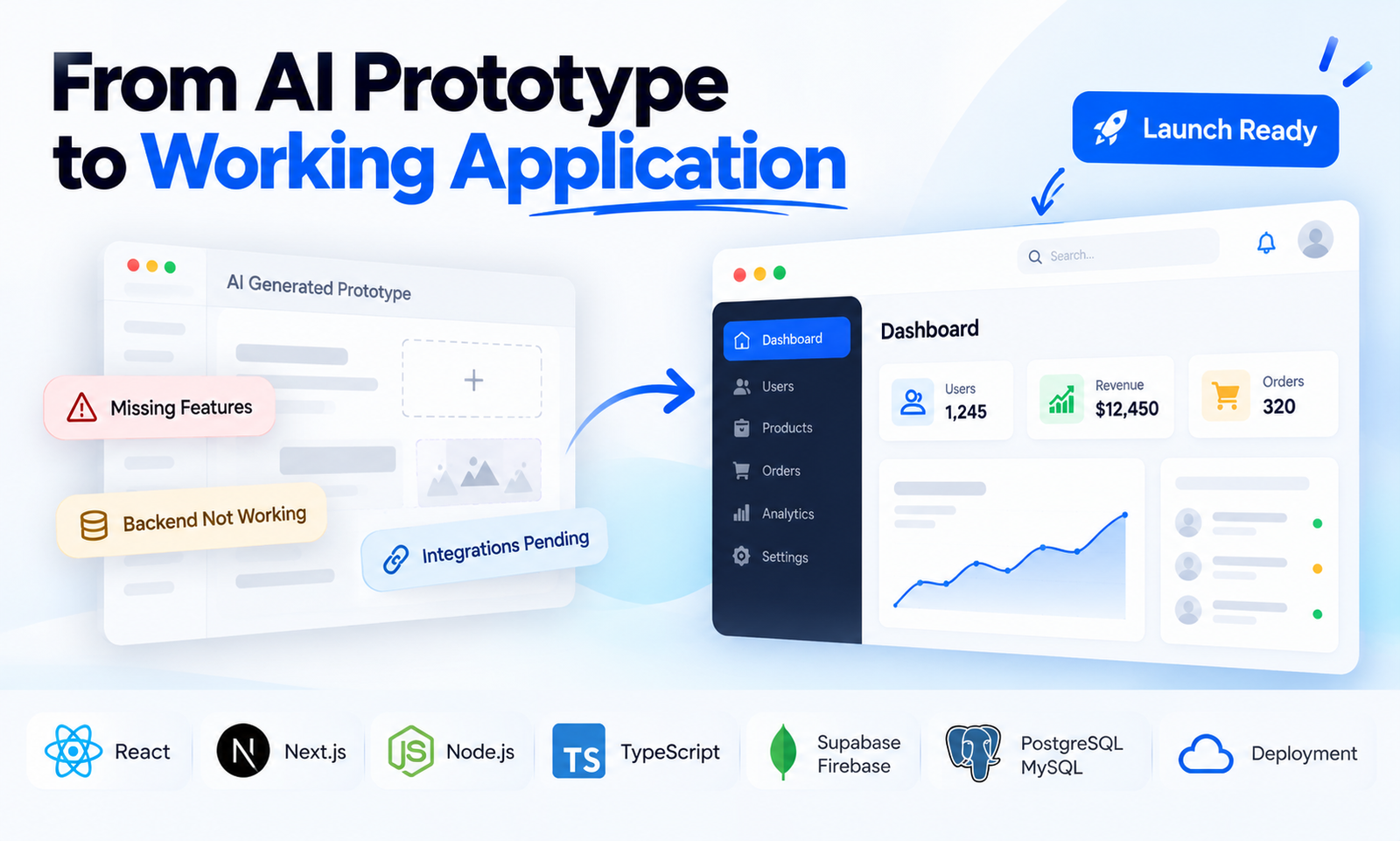
What is the difference between a prototype and a launchable MVP?
A prototype helps you explore an idea. A launchable MVP lets a defined group of users complete a useful task reliably enough to learn from real use. The difference is in behaviour: data persists, access is controlled and failures can be detected and handled.
I’m Ratna Deep Verma. I help founders scope and build software, drawing on 14 years of development experience. My recommendation is to define one complete user journey before adding more screens. “A customer signs up, creates a booking and receives confirmation” is easier to verify than “the dashboard is complete.”
Which user journeys should you test first?
Test the workflow that delivers the product’s main value, using a fresh account and realistic test data. Then try the same journey with missing input, a lost connection and a repeated submission. Record the expected outcome before asking someone to verify it.
- Create an account, sign in, sign out and recover access.
- Create a record, refresh the page and confirm it remains.
- Edit or cancel an action and verify the stored result.
- Open the product on a phone and complete the same core task.
- Use an account with fewer permissions and confirm it cannot perform restricted actions.
You do not need every feature in your roadmap to launch. You do need the features you offer to work together. A smaller complete workflow gives you more useful feedback than a large collection of unfinished screens.
How should you check accounts and customer data?
Check what each type of user can read and change. Use separate accounts for different customers and test the boundaries between them. Confirm that administrator privileges are assigned intentionally and that private keys are kept out of browser-delivered code.
For apps using Supabase, its row-level security guide describes database-level access policies. The practical question for a founder is whether the team can demonstrate both allowed access and denied access, rather than simply show a successful login.
Write down what data the first release needs. Avoid collecting information with no immediate use. Identify who can export data, how backups are handled and what recovery would involve if a release damages records.
What should you verify before accepting payments?
Test the full payment lifecycle you intend to support, including unsuccessful payments and repeat notifications. A checkout screen that opens successfully does not prove your application gives the correct access after a payment or removes it after cancellation.
Stripe’s webhook documentation notes that events may arrive more than once and are not guaranteed to arrive in order. The application needs to handle those cases without granting duplicate benefits or leaving account status inconsistent. Have the developer demonstrate the chosen approach in a test environment.
Decide which payment states matter for your product before launch. For a subscription, that may include active, overdue and cancelled accounts. Specify what each user can do in each state instead of leaving the behaviour to the checkout integration.
What needs to be ready for deployment and support?
Prepare a repeatable release process, a way to detect failures and a recovery plan. Assign responsibility for checking errors after launch. Ensure you control the repository, domain and service accounts, or have an explicit transfer plan.
The Next.js production checklist is a useful framework-specific reference for performance, security and user-experience checks. Use the documentation for your own stack rather than treating a successful preview build as the final release check.
- Build and run the production version before release.
- Check configuration separately for test and live environments.
- Confirm the domain, HTTPS and important links work.
- Define how errors reach the person responsible for fixes.
- Record how to restore the previous release and recover data.
- Document recurring service costs and who receives billing notices.
When should you launch, and when should you wait?
Launch to a small, defined audience when the core journey works, access rules are verified and someone can respond to failures. Delay if users can lose important records, cross account boundaries or pay without receiving the expected access. Cosmetic refinements can usually follow the first controlled release.
Keep a short list of known limitations and explain those that affect users. Decide what you want to learn from the release, such as whether people complete the core task without assistance. That evidence should guide the next version.
See my MVP development service for how I scope a first version. If the current app is already failing, start with AI code rescue. To discuss your launch, send me your idea and the workflow you want users to complete.
Common questions
Can I launch an app built with an AI coding tool?
Yes, if the application meets the requirements of its intended users and deployment environment. Review and test the resulting code, data access and integrations before inviting customers.
How long does it take to turn a prototype into an MVP?
Timing depends on how much of the core workflow already works and which integrations, access rules and operational checks are missing. Assess the current app and define launch criteria before committing to a date.
Does every MVP need payments and AI features?
No. Include them only when they are necessary to the first useful workflow. An MVP can validate demand without payments or an AI feature if users can still get the intended value.