AI Code Rescue: Fix or Rebuild Your AI-Generated App?
AI code rescue is the work of diagnosing and repairing an app built with AI assistance. Start by preserving the current code, reproducing the failure and checking the data and access rules. Then choose targeted repairs or a rebuild based on evidence, rather than replacing the entire app by default.
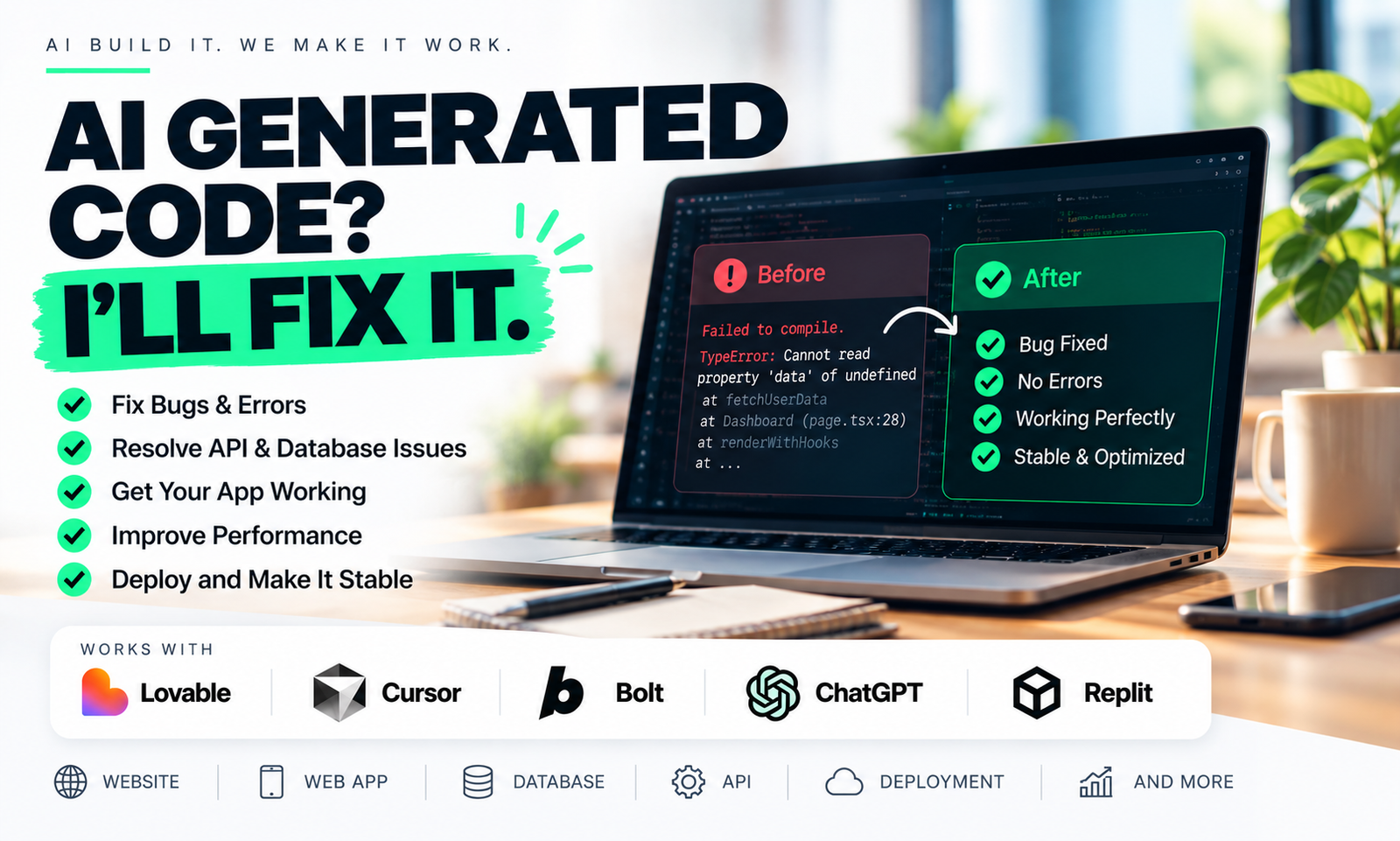
What should you do when your AI-generated app stops working?
Save a copy of the current code before making more changes. Record the exact action that fails, what you expected and what happened instead. If you have version history, identify the last version that worked. This gives a developer a starting point and protects work you may want to recover.
A useful report sounds like this: “A new user can sign up, but saving their first record returns an error. Existing users can still save.” That narrows the investigation far more than “the database is broken.” Use test accounts and remove personal information from shared screenshots or logs.
I’m Ratna Deep Verma, with 14 years in software development. When discussing a rescue brief, I want the failure, the intended behaviour and the delivery constraints clearly defined before agreeing a repair scope.
Why can a convincing demo still fail?
A demo can show the screen without proving the whole workflow. A page might use sample data, a button might update only the browser, or an API request might depend on a setting available in the preview environment but missing after deployment.
Generated code also needs review. GitHub’s guidance on Copilot suggestions says generated output can be inaccurate and should be reviewed and tested. That is a reason to verify behaviour, not evidence that every AI-built app needs replacing.
- If a page is blank, inspect the application error and the request that failed.
- If records disappear after refresh, check whether they were saved or only held in browser memory.
- If a feature works locally but fails online, compare configuration, migrations and deployment logs.
- If one account can access another account’s records, treat access control as a blocker before inviting users.
How do you decide between repair and rebuild?
Repair is a reasonable choice when the intended behaviour is clear, the code can be run reliably and faults are confined to identifiable parts of the system. A rebuild becomes worth considering when the underlying design cannot support the required workflow or nobody can establish a dependable baseline.
Ask for a written assessment that separates observed failures from assumptions. It should identify what can be kept, what needs changing and what remains uncertain. A blanket rewrite proposal without a working reproduction or code review is difficult to evaluate.
For example, a missing production setting does not justify rebuilding a working interface. A product that stores every customer’s information in a shared structure without ownership rules may require deeper changes. These are illustrative situations, not claims about a particular client project.
What should a code rescue scope include?
The scope should define the behaviours to restore and the evidence that will show each repair works. Include reproduction steps, a proposed fix, checks for nearby workflows and a deployment plan. Agree who will own the repository and service accounts at handover.
For a Supabase app, review table access as well as the screens. Supabase’s row-level security documentation explains how database policies and grants control access. Test permitted and forbidden actions with separate accounts; hiding an edit button does not prove a user cannot edit a record.
Give the developer access through invitations with appropriate permissions. Do not paste passwords or production secrets into a public brief. Ask for an explanation of changed settings so the next deployment is repeatable.
What should you send before asking for an estimate?
Send a short description of the app, the broken workflow, a repository invitation if available, the hosting setup and any deadline that matters. Include whether real users already depend on it. A live app with existing records needs a different change plan from an unused prototype.
An estimate should distinguish diagnosis from implementation. A developer may need a bounded investigation before quoting a fixed repair price. Ask what the investigation delivers and whether you can use its findings with another developer.
If you want help defining the work, see my custom software development service or send me the workflow that is failing. If the app works but is not ready for customers, read the prototype-to-production checklist.
Common questions
Can an AI-generated app be fixed without rebuilding it?
Often it can, but the decision requires a review. Isolated bugs, configuration issues and incomplete integrations may be repairable; deeper data or architecture problems may need a broader change.
How much does AI code rescue cost?
Cost depends on the failures, code quality, integrations and whether existing users or data must be protected. Ask for a bounded diagnosis and a written repair scope before agreeing an implementation price.
Do I need to know which tool generated the code?
The tool name helps explain the starting point, but the repository, error details and intended behaviour matter more. Share the framework, hosting setup and relevant integrations if you know them.